Tabster icon

The tab manager from the future.

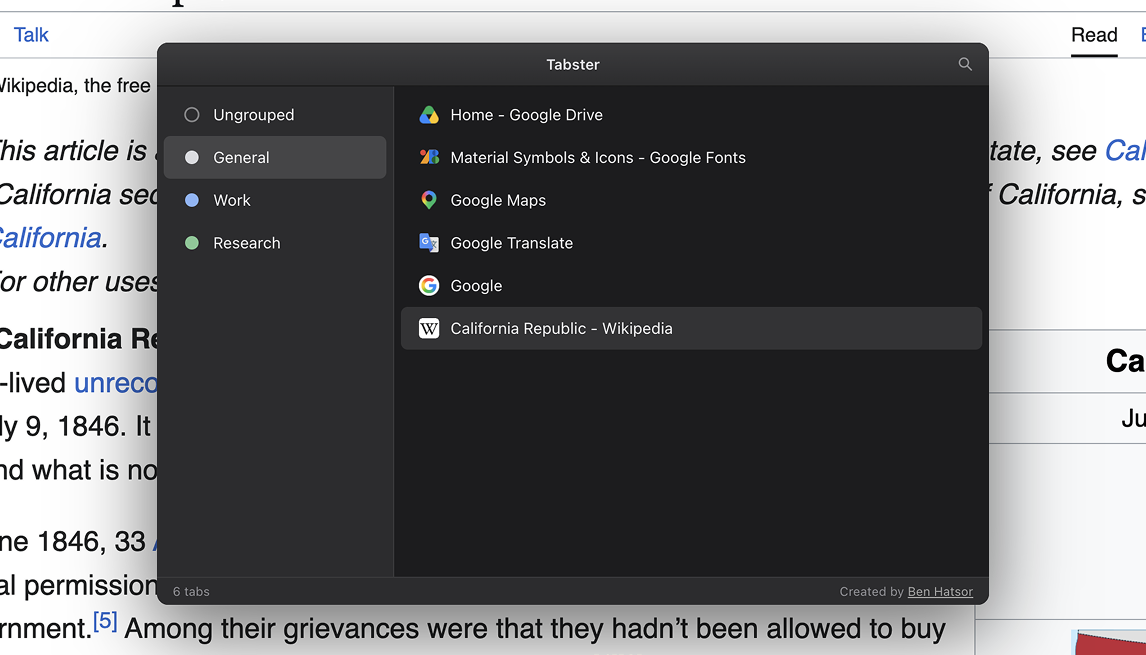
Manage tabs and groups with the ease of managing files and folders. Search, cut, group or unload with a single shortcut. You've never seen a tab manager like this before.

The overlay showing groups in a sidebar and tabs in a list

Search and filter tabs

Press F and type. The list narrows as you go, so you're not hunting through a row of identical favicons.
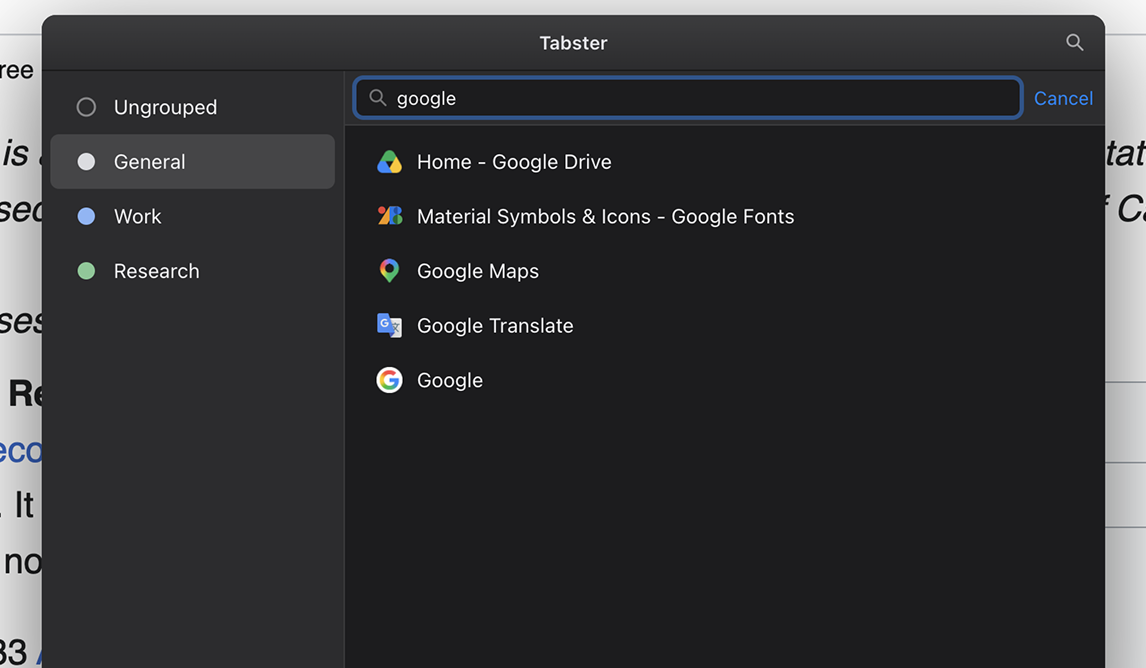
Searching tabs with a live-filtered list

Drag tabs between groups

Drag a tab from one group to another. You can also use keyboard shortcuts to cut, copy and paste.
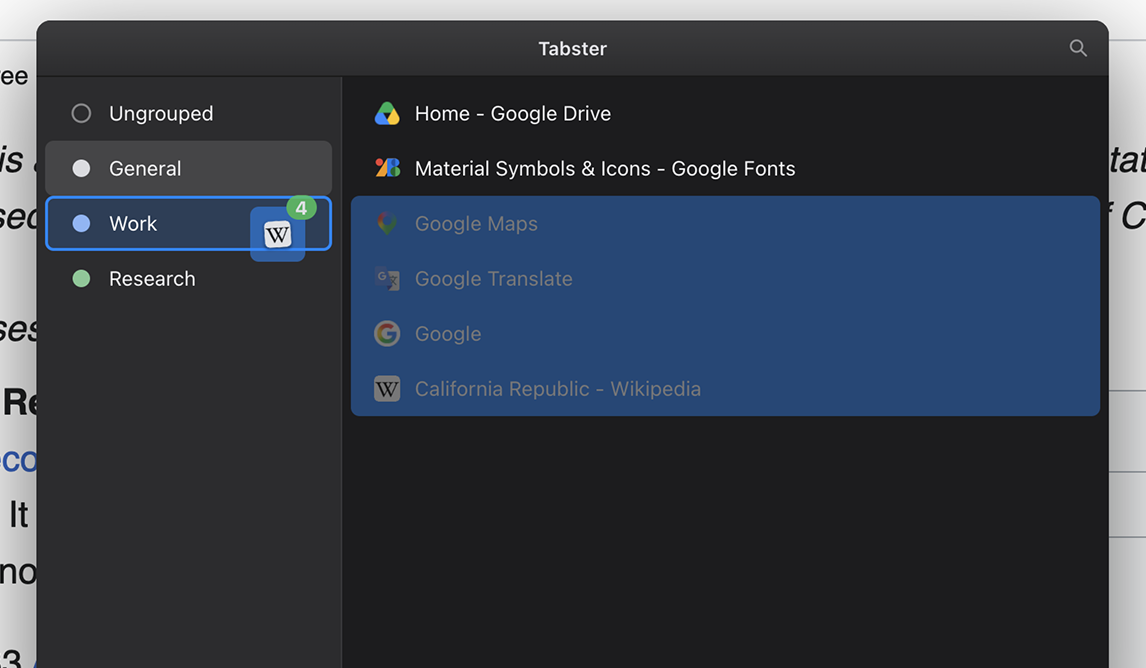
Dragging several selected tabs onto another group

Rename groups

Name a group Work, Research, or Shopping, and the name sticks with it for as long as it's open.
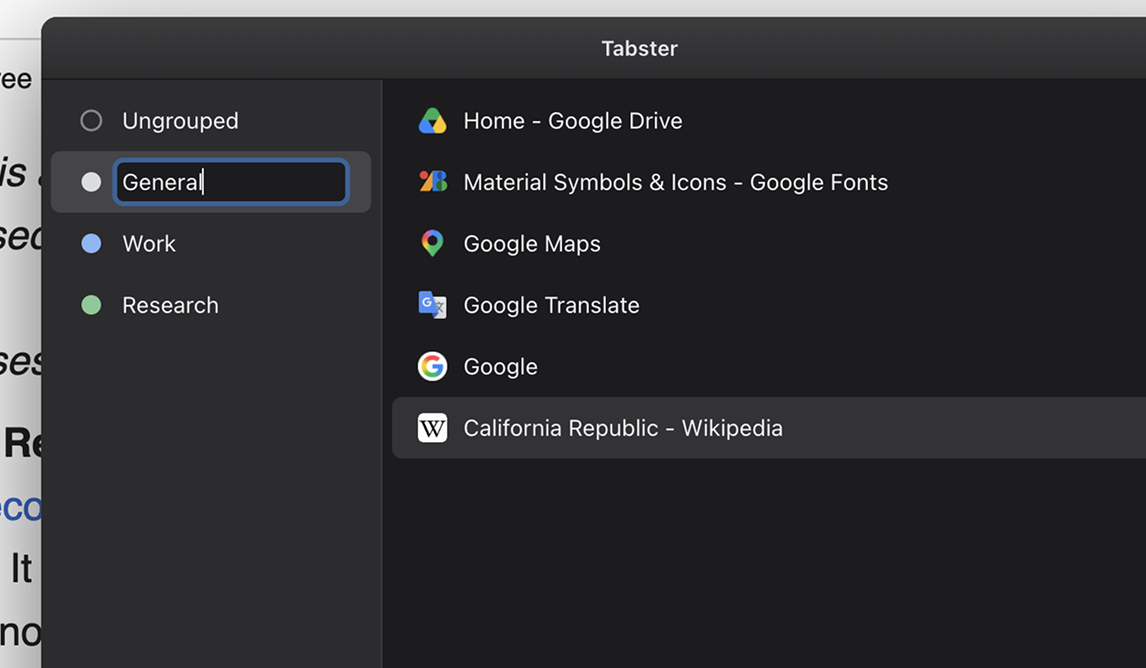
Renaming a group inline in the sidebar

Unload tabs to save memory

Put idle tabs or groups to sleep to free up memory, then load them back when you need them again. Helpful when a session gets heavy.
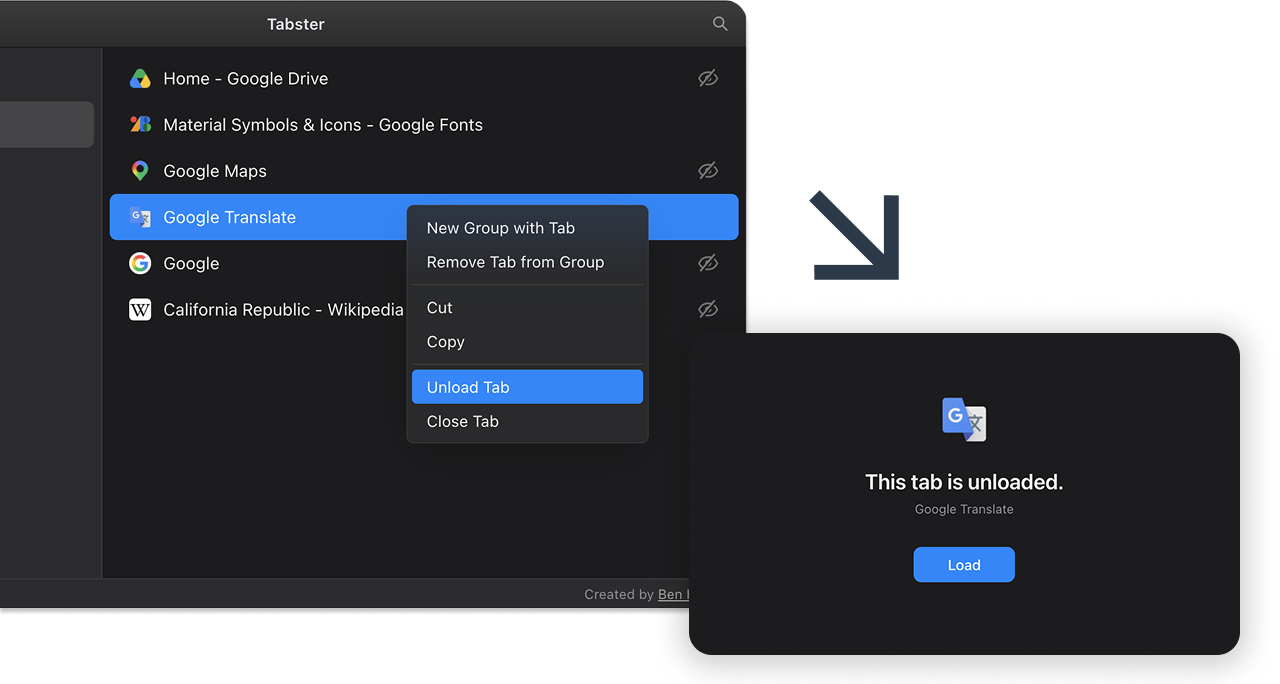
Unloading a tab to free up memory

Adapts to your theme

It automatically follows your light or dark theme, so it looks at home next to the rest of your browser.
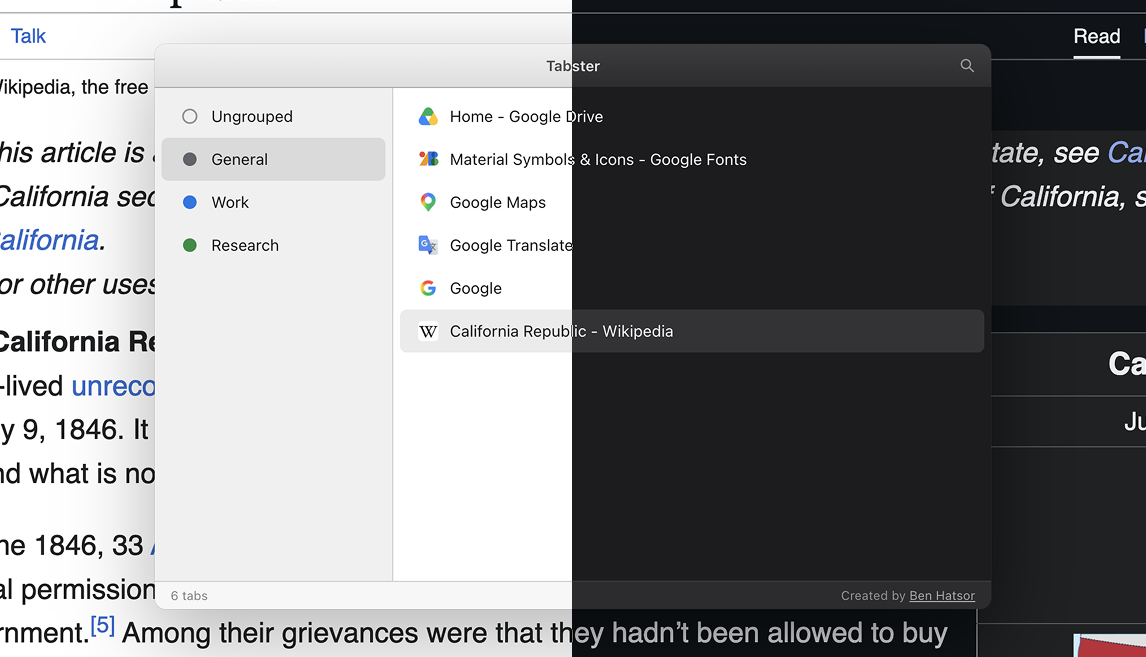
The overlay shown in both light and dark themes

Built for the keyboard

Everything is just a keystroke away.

macOS
Windows

Basics

CtrlE Toggle Tabster
CtrlF Search tabs
Jump to tab
esc Step back, or close

Selection

or Move selection
+or Extend selection
CtrlA Select all

Clipboard

CtrlX Cut tabs
CtrlC Copy tabs
CtrlV Paste tabs

Tab actions

CtrlG Group tabs
CtrlU Unload tabs
CtrlU Load tabs
Close tabs

Your data stays yours

Tabster doesn't collect your browsing data or send it anywhere. Everything stays on your device.

Tidy up your browser.

Add to Chrome